Booking & Follow-Up
Booking flows that keep the lead moving after the form, call, or calendar click.
HMX connects qualification gates, calendar selection, reminders, no-show recovery, CRM updates, and internal alerts so booked conversations do not depend on manual chasing.
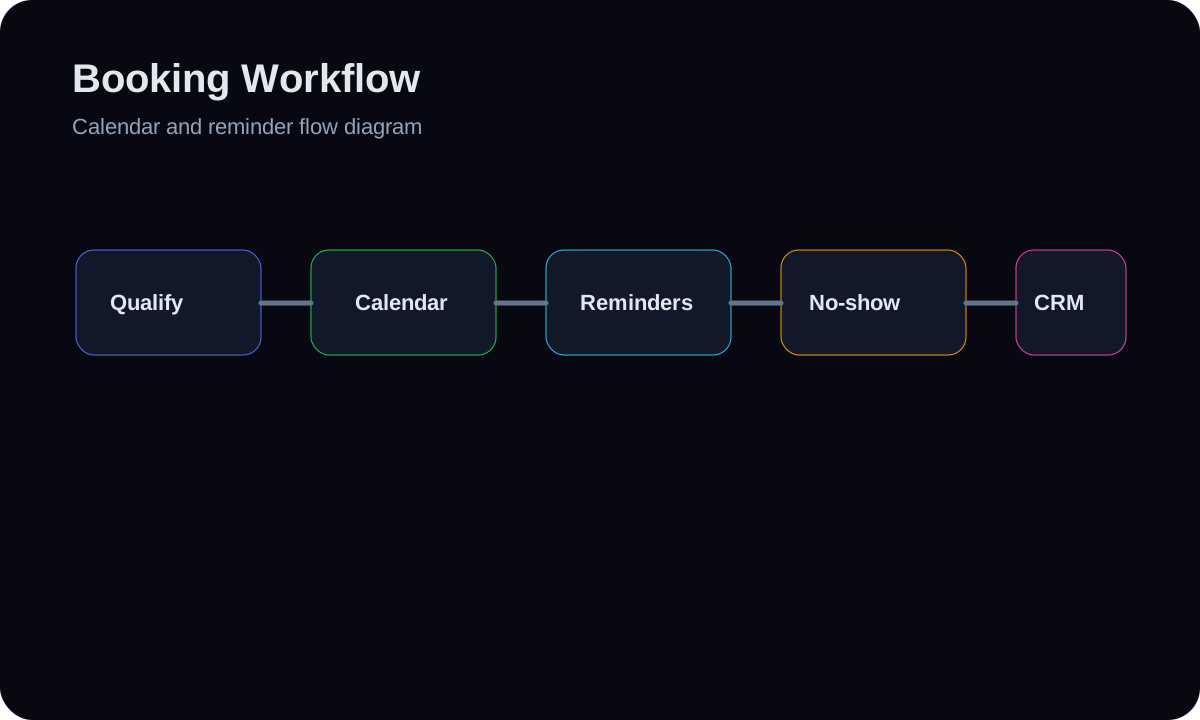
Qualified leads see the right calendar path and confirmation sequence.
No-shows, reschedules, and missed steps have recovery logic.
The CRM reflects booked status, reminders, owner alerts, and next actions.
Deliverables
Timeline guide
Focused setup
Often 1-5 days when one calendar, one owner, and one reminder path are involved.
Multi-branch setup
Often 1-3 weeks when multiple services, owners, locations, or recovery paths are involved.
Build path
01
Map booking rules
Define qualification, calendars, owners, time zones, reminder timing, and fallback steps.
02
Connect the flow
Wire forms, calendar tools, CRM stages, confirmation messages, and internal alerts.
03
Test every branch
Run booked, canceled, rescheduled, no-show, and failed-notification scenarios before launch.
Likely tools
Decision path
The first step is not picking software. It is mapping the current handoff, failure points, owner rules, fallback path, and proof boundary. The stack follows that map.
Before and after workflow
Qualified booking
Before
Everyone sees the same booking link even when different owners or services are needed.
After
The path routes by service, owner, qualification, or context before the call is booked.
No-show recovery
Before
Missed calls become a manual memory task.
After
No-shows trigger a bounded recovery path and owner visibility in the CRM.
CRM updates
Before
Booking status lives in the calendar but not the pipeline.
After
Calendar events update CRM status, notes, and next actions.
Risk and fallback notes
What can break
Weak owner rules, unclear stop conditions, missing access, bad source data, or provider changes can make a workflow look complete while still failing in daily use.
Fallback / prevention
HMX maps the failure points, tests real branches with sample records, adds human review paths, and documents what should happen when automation confidence is low.
FAQs
Can this work with my current calendar?
Usually yes. The setup depends on the current calendar, CRM, permissions, and whether routing rules are clear.
Do you write the reminders?
Yes, HMX can draft practical reminder copy and align it with the workflow. Message compliance and consent still need to fit the business.
Can you reduce no-shows?
The system can add reminders and recovery logic, but it will not claim guaranteed no-show reduction without real measured proof.
What happens after someone books?
The CRM should update, the owner should know what happened, and the lead should receive the correct confirmation or follow-up path.
Booking & Follow-Up
Want this scoped around your real workflow?
Send the core problem and desired build first. The deeper implementation details can come after the fit is clear.