CRM Pipeline
A CRM pipeline that shows where every lead is, who owns it, and what happens next.
HMX builds CRM stages, routing logic, source tags, owner alerts, follow-up triggers, and reporting views around the way your sales process actually works.
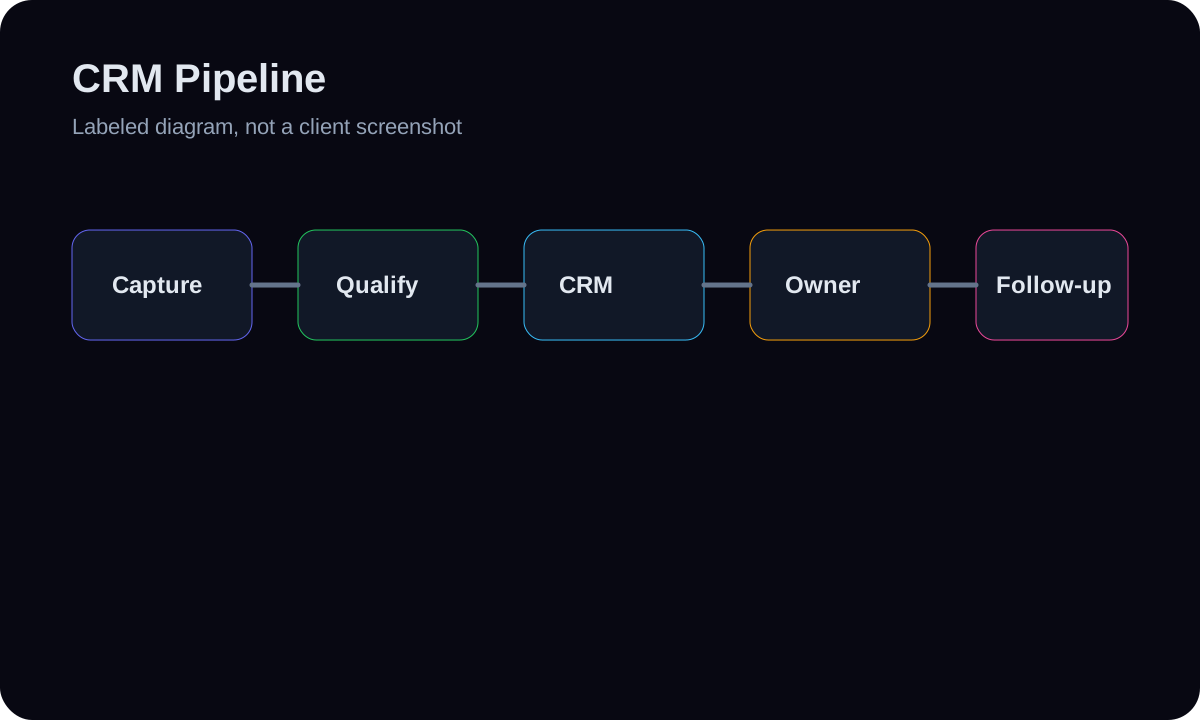
Lead source, stage, owner, and next action stop living in separate tabs.
Follow-up and alerts fire from defined CRM events instead of memory.
Reports become cleaner because the pipeline rules are consistent.
Deliverables
Timeline guide
Core pipeline
Often 2-7 days when stages, owners, and source paths are already known.
Full workflow
Often 2-3 weeks when capture, routing, follow-up, reporting, and cleanup all need to move together.
Build path
01
Audit the current flow
Map lead sources, stages, owners, duplicates, and handoff points.
02
Build the pipeline
Create fields, stages, automations, alerts, and fallback paths in the right CRM.
03
Verify with test records
Push sample leads through capture, routing, follow-up, and reporting before launch.
Likely tools
Decision path
The first step is not picking software. It is mapping the current handoff, failure points, owner rules, fallback path, and proof boundary. The stack follows that map.
Before and after workflow
Lead ownership
Before
New leads sit in inboxes, forms, or spreadsheets until someone notices.
After
Every source gets a defined owner, stage, and next action.
Stage clarity
Before
Stages are vague, duplicated, or used differently by each person.
After
Stages match real workflow states and are documented for the team.
Reporting
Before
Reports show activity but not what needs attention.
After
Saved views focus on open leads, overdue action, and owner queues.
Risk and fallback notes
What can break
Weak owner rules, unclear stop conditions, missing access, bad source data, or provider changes can make a workflow look complete while still failing in daily use.
Fallback / prevention
HMX maps the failure points, tests real branches with sample records, adds human review paths, and documents what should happen when automation confidence is low.
FAQs
Do you build a new CRM from scratch?
No. Client CRM work focuses on configuring existing or recommended tools. The HMX CRM/SaaS product is separate.
Can you clean an existing CRM?
Yes, if the current structure and permissions allow it. Cleanup is scoped carefully so live workflows do not get disrupted blindly.
What CRMs can this use?
GoHighLevel, HubSpot, Pipedrive, Airtable, Sheets, and similar tools can work depending on the workflow.
Will reports be advanced analytics?
The first goal is operational visibility: who owns what, what stage leads are in, and what needs action.
CRM Pipeline
Want this scoped around your real workflow?
Send the core problem and desired build first. The deeper implementation details can come after the fit is clear.